
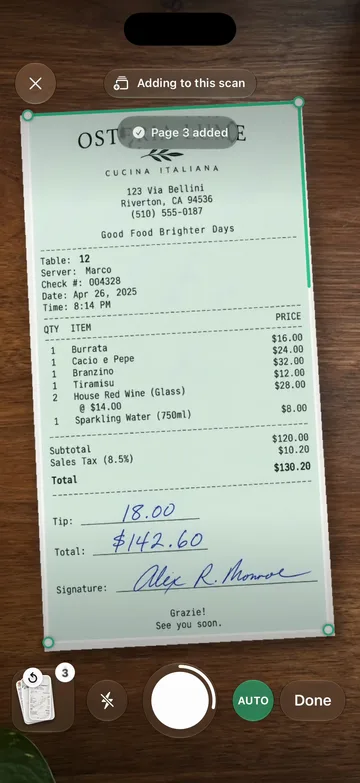
Point the camera at a page. Scanner One finds its edges, locks its corners and takes the shot, then squares the page up and cleans it. You check it in Review, and save a PDF.
Filters that fit the paper
Auto Clean is the default: it evens out the light and whitens the paper while keeping colour where there is colour. Pick B&W for crisp text on a printed letter, Color Ink when stamps and signatures matter, Grayscale, Ink Saver for pages you’ll print, or the Receipt look for thermal paper. Every filter but Original has a strength slider, and Original is always one tap away.

Pages that aren’t flat
- Books. Photograph an open book and Review offers to split the spread into two pages. Curved lines near the spine are flattened.
- Curled pages. When the lines of text on a page bend, Review offers Flatten lines to straighten them.
- Crop. If the corners missed, drag them, or let them snap onto the edges again.
IDs and passports
ID Card on Home scans the front and back of a card and saves both sides on one printable page, the way an office asks for a copy of your ID. It works for passports too.
Many pages, one document
Add pages as you go, then reorder, rotate or delete them before saving. Everything you scan is one PDF, and you can add more pages to it later.
Scanning and saving PDFs have no limit and no page cap.